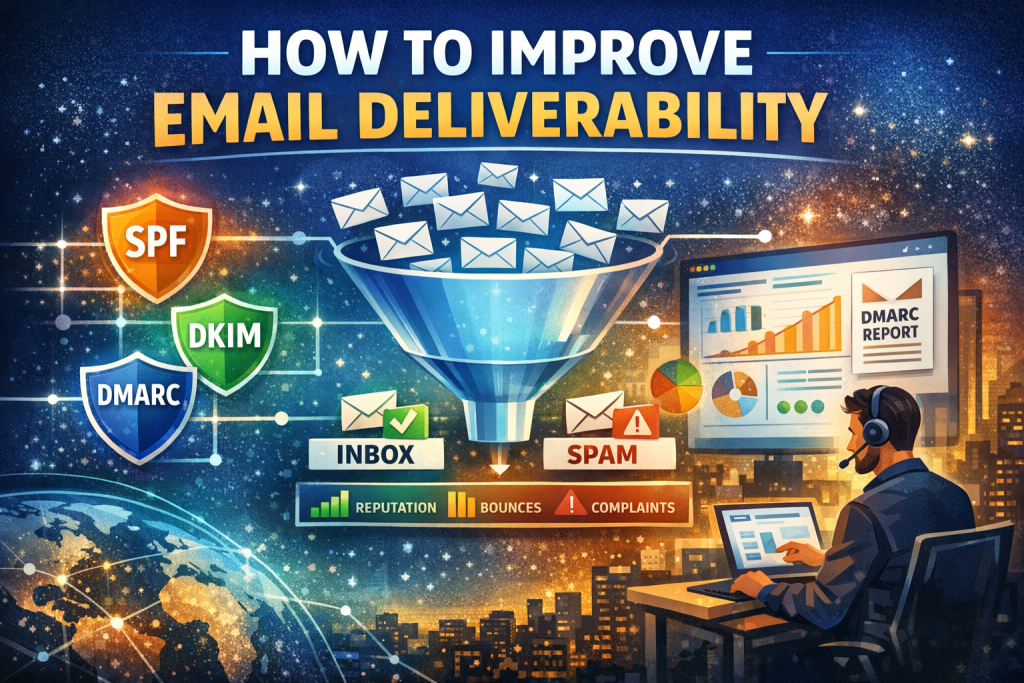
To improve email deliverability, authenticate your domain with SPF, DKIM, and DMARC, maintain a clean opt-in list, warm up sending IPs, send relevant content consistently, monitor sender reputation, and fix technical issues like DNS, bounces, and spam complaints.
Table of Contents
- Introduction
- SERP Intent Analysis
- What Email Deliverability Really Means
- Why Email Deliverability Matters
- How Email Deliverability Works
- Step-by-Step: How to Improve Email Deliverability
- Email Authentication (SPF, DKIM, DMARC)
- Sender Reputation & IP Warming
- Content, Engagement & Behavioral Signals
- List Hygiene & Compliance
- Infrastructure & ESP Choices
- Monitoring, Testing & Troubleshooting
- Common Mistakes That Kill Deliverability
- Decision Framework: Fix It In-House or Hire Help
- Local & Regional Considerations
- Tools & Resources
- Entity Glossary
- People Also Ask (FAQs)
- AI Overview Trigger Q&A
- Conclusion & Action Steps
- Suggested Internal Link Topics
1. Introduction
Email deliverability is not about whether an email is sent. It is about whether it lands in the inbox, at the right time, for the right user, without triggering spam filters.
If your emails are going to spam, promotions, or disappearing entirely, this guide walks through the technical, behavioral, and strategic fixes that actually move the needle in 2026.
2. SERP Intent Analysis (Simulated)
Primary Intent
Learn how to fix email deliverability and reach the inbox.
Secondary Intent
Understand SPF, DKIM, DMARC, sender reputation, and best tools.
Tertiary Intent
Decide which ESP, whether to hire help, and how to diagnose issues fast.
Intent Class
Mixed: Informational + Commercial Investigation
3. What Email Deliverability Really Means
Email deliverability is the ability of an email to reach the recipient’s primary inbox, not spam, junk, or promotions.
It is influenced by:
- Authentication
- Sender reputation
- Recipient engagement
- Content quality
- Infrastructure health
- Compliance signals
Delivery ≠ deliverability. An email can be “delivered” and still be filtered out.
4. Why Email Deliverability Matters
Poor deliverability silently kills revenue.
Impact areas
- Lower open and click rates
- Missed transactional emails (password resets, invoices)
- Account suspensions by ESPs
- Domain reputation damage that compounds over time
For ecommerce, SaaS, and newsletters, inbox placement directly correlates with revenue and retention.
5. How Email Deliverability Works
Mailbox providers like Gmail, Microsoft Outlook, and Yahoo Mail evaluate each email using:
- Authentication checks
- Historical sender behavior
- User engagement signals
- Content and formatting analysis
- Complaint and bounce rates
Their goal is simple: protect users.
6. Step-by-Step: How to Improve Email Deliverability
Step 1: Authenticate Your Domain
Set up SPF, DKIM, and DMARC correctly.
Step 2: Clean Your Email List
Remove inactive, bounced, and unengaged contacts.
Step 3: Warm Up New Domains and IPs
Increase volume gradually to build trust.
Step 4: Optimize Content for Engagement
Write emails people open, read, and reply to.
Step 5: Monitor Reputation and Metrics
Track bounces, complaints, opens, and inbox placement.
7. Email Authentication (SPF, DKIM, DMARC)
| Protocol | What It Does | Why It Matters |
|---|---|---|
| SPF | Verifies sending servers | Prevents spoofing |
| DKIM | Cryptographic signature | Confirms message integrity |
| DMARC | Policy + reporting | Tells inboxes how to handle failures |
Best practice
- DMARC policy set to
p=quarantineorp=reject - Alignment between From domain and sending domain
Mailbox providers increasingly treat missing DMARC as a red flag.
8. Sender Reputation & IP Warming
Sender reputation is a rolling score based on behavior over time.
Key signals
- Spam complaints
- Hard bounces
- Engagement (opens, clicks, replies)
- Volume consistency
IP Warming Basics
- Start with small daily sends
- Send to your most engaged users first
- Avoid spikes and long gaps
Shared IPs lower control. Dedicated IPs require discipline.
9. Content, Engagement & Behavioral Signals
Inbox providers measure how users react.
Positive signals
- Opens
- Clicks
- Replies
- Moving email from spam to inbox
- Adding sender to contacts
Negative signals
- Deleting without opening
- Marking as spam
- No engagement over time
Avoid:
- Clickbait subject lines
- All-image emails
- URL shorteners
- Spam trigger formatting (ALL CAPS, excessive punctuation)
10. List Hygiene & Compliance
Email lists decay by ~20–30% annually (Source: Industry Benchmarks).
Best practices
- Double opt-in
- Remove inactive subscribers every 60–90 days
- Never buy or scrape lists
Regulations
- CAN-SPAM (US)
- GDPR (EU)
- CASL (Canada)
Compliance violations hurt deliverability even before fines.
11. Infrastructure & ESP Choices
Your ESP matters more than most people realize.
Common platforms:
- Mailchimp
- SendGrid
- Amazon SES
- Klaviyo
Transactional and marketing emails should be separated by subdomain or IP.
12. Monitoring, Testing & Troubleshooting
What to monitor
- Inbox vs spam placement
- Bounce codes
- DMARC reports
- Spam complaint rate (<0.1%)
Testing tools
- Seed list testing
- Spam filter previews
- Authentication validation
If Gmail spam rates spike, stop sending and fix before continuing.
13. Common Mistakes That Kill Deliverability
- Sending from free domains (gmail.com, yahoo.com)
- Ignoring DMARC reports
- Re-engaging cold lists without warming
- Sudden volume spikes
- Overusing images and links
Most deliverability problems are self-inflicted.
14. Decision Framework: Fix In-House or Hire Help
DIY makes sense if
- Volume <100k/month
- Basic authentication issues
- Single domain
Hire a deliverability consultant if
- Revenue-critical email
- Blacklisting issues
- Multiple sending domains
- Enterprise-scale volume
15. Local & Regional Considerations
Deliverability itself is global, but enforcement varies.
Examples
- EU providers are stricter on consent
- US inboxes prioritize engagement
- APAC regions see higher ISP throttling
If searching for “email deliverability services near me” or “email consultant in New York / London / Toronto”, look for providers with ISP-level relationships.
16. Tools & Resources
- Google Postmaster Tools
- Microsoft SNDS
- DMARC Analyzer
- MXToolbox
- GlockApps
Use tools to confirm, not guess.
17. Entity Glossary
- Email Deliverability: Inbox placement capability
- Sender Reputation: Trust score of sending identity
- Mailbox Provider: Gmail, Outlook, Yahoo
- ESP: Email Service Provider
- Authentication: SPF, DKIM, DMARC
18. People Also Ask (FAQs)
Why are my emails going to spam?
Usually due to missing authentication, poor engagement, or bad list quality.
How long does it take to fix deliverability?
Anywhere from days (technical fixes) to weeks (reputation recovery).
Does DMARC improve deliverability?
Yes. It’s now a baseline trust signal.
Can one bad campaign hurt my domain?
Yes, especially high complaint or bounce rates.
Are cold emails deliverable?
Yes, but only with careful warming and targeting.
Do images hurt deliverability?
Not directly, but image-only emails do.
Is email deliverability the same as open rate?
No. Deliverability determines whether opens are even possible.
19. AI Overview Trigger Q&A
What is the fastest way to improve email deliverability?
Fix SPF, DKIM, and DMARC, then pause sending to unengaged users.
Does sender reputation reset?
Partially, but damage can linger for months.
Who needs DMARC the most?
Brands, SaaS, ecommerce, and anyone sending transactional email.
Is Gmail stricter than Outlook?
Yes, especially on engagement and authentication.
Can switching ESP fix deliverability?
Only if the root cause is infrastructure, not behavior.
20. Conclusion & Action Steps
Email deliverability is a system, not a setting.
Immediate actions
- Audit SPF, DKIM, DMARC
- Clean your list
- Segment engaged users
- Slow down sending
- Monitor daily
Inbox placement rewards discipline and consistency.